Best value
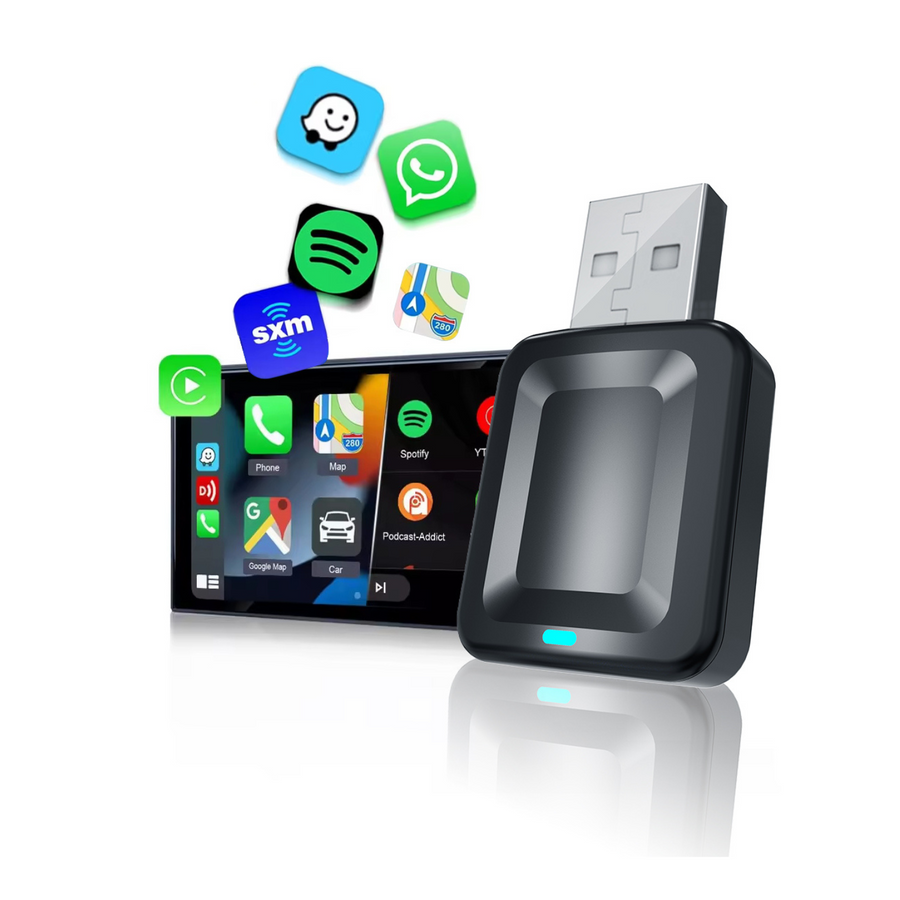
LDS CA-16 Wireless Adapter
Wireless CarPlay and Android Auto for the lowest price. Plug in and pair once.
- Phones
- iPhone and Android
- Video apps
- No
- Charging mount
- No
- Good to know
- Our lowest price
Price $21.37
Plug one into the USB port you use for CarPlay today and your phone connects without the cable. Wireless adapters from $29.99, or a media box that adds Netflix and YouTube for when you're parked.
A wireless adapter doesn't add CarPlay. It makes the CarPlay your car already has wireless. Answer three questions and watch the dash.
With a cable: plug in every time you get in
Start with question 1 to see what works in your car.
All four plug into the USB port you use for CarPlay today, and none need installing. Pick by what you want on top of losing the cable.
Best value
Wireless CarPlay and Android Auto for the lowest price. Plug in and pair once.
Price $21.37
Name brand
Wireless CarPlay and Android Auto from name brand ZZ-2.
Price $71.24
Adapter + charging mount
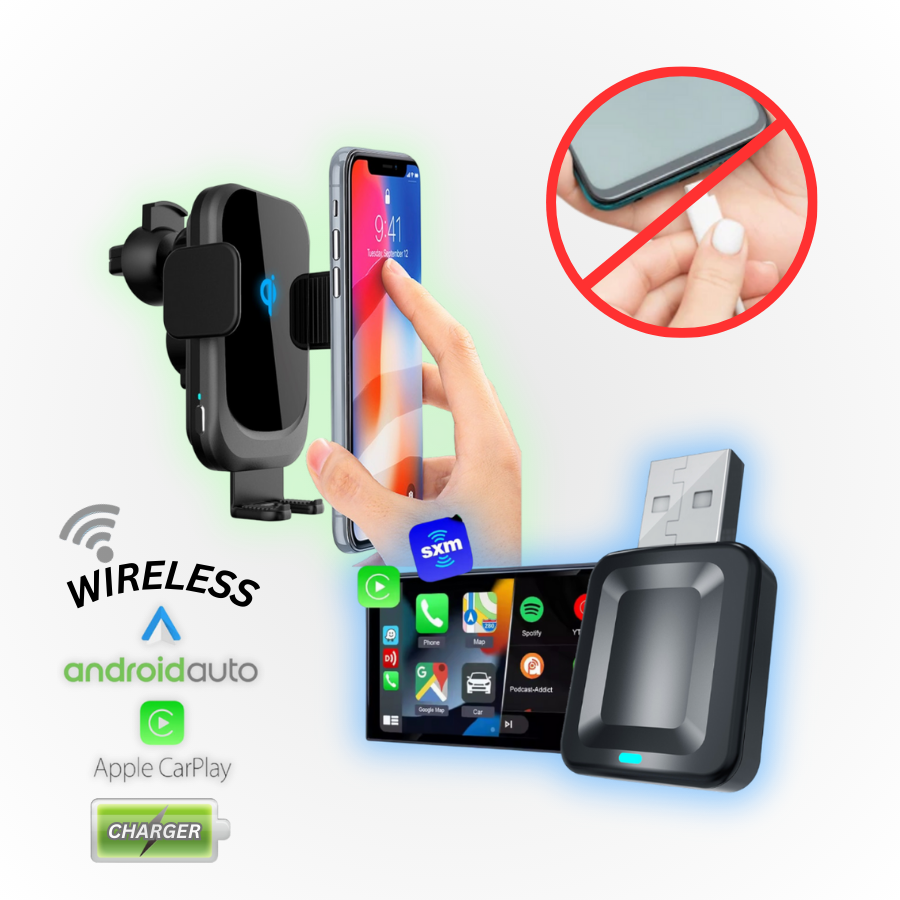
The CA-16 plus a 15W wireless charging mount with a motorized grip, for less than buying both.
Price $32.05 Was $41.31
Video apps when parked
Wireless CarPlay and Android Auto, plus Netflix, YouTube and Prime Video on your factory touchscreen.
Price $170.99
LDS
$21.37
Plug-in, no install needed
ZZ-2
$135.36
Plug-in, no install needed
Lockdown Security
$32.05
$41.31
Plug-in, no install needed
ZZ-2
$71.24
Plug-in, no install needed
ZZ-2
$170.99
Plug-in, no install needed
LDS
From $192.36
Plug-in, no install needed
No tools and no wiring. If CarPlay or Android Auto opens when you plug your phone in, you're three steps from wireless.
Put the adapter in the USB port you use for CarPlay or Android Auto today. Some vehicles need a USB-C to USB-C cable for a media box.
Connect your phone to the adapter over Bluetooth, the same way you'd pair headphones. You only do this the first time.
Start the car and your phone connects on its own. It can stay in your pocket or bag, or on a charging mount.
An adapter can't add CarPlay to a screen that doesn't have it. A CarPlay interface adds it to the factory screen you have, a dash-mounted screen like the Steelmate L07 works in almost any vehicle, and a new car stereo has it built in.
Yes, if your car or radio already shows Apple CarPlay or Android Auto when you plug your phone in with a cable. The adapter plugs into that same USB port and makes the connection wireless. If nothing shows up when you plug in, an adapter can't add CarPlay; a CarPlay interface or a universal screen can. The plug test above walks you through it.
Yes. The LDS CA-16 and the ZZ-2 ZZAir Duo2 work with Android Auto as well as CarPlay, as long as your car takes Android Auto over a cable. The media boxes run Android Auto too, but they need a car with wired CarPlay. The ZZ-2 ZZAIR-CP is for iPhone only.
Plug the adapter into the USB port you use for CarPlay, then pair your phone with it over Bluetooth. You only pair once. After that it connects when you start the car.
With a media box, yes, while you're parked. The ZZ-2 ZZAIR-PRO2 adds Netflix, YouTube and Prime Video to a factory touchscreen. The LDS CPAndroidBOX adds YouTube, Netflix and an app store, with built-in 4G or your phone's hotspot. Both need a car with wired CarPlay. Video on a screen the driver can see while driving isn't allowed in Ontario.
Most aftermarket radios with wired CarPlay or Android Auto work with the wireless adapters, and ZZ-2 says the ZZAir Duo2 works with Sony radios too. The older ZZ-2 ZZAIR-CP doesn't work with aftermarket Sony radios. Want a media box on an aftermarket radio? Text us the radio's model first and we'll check.
Both make wired CarPlay and Android Auto wireless. LDS is our own brand, and it's the lowest price. ZZ-2 is the name brand option, and ZZ-2 says the ZZAir Duo2 works with Sony radios too.
No. The adapters and media boxes plug into your USB port, so there's nothing to install. The charging mount in the bundle fits with a suction cup or a vent clip and runs on a USB cable; a USB car charger isn't included.
Text us a photo of your screen with your phone plugged in, or your year, make and model. We'll tell you which adapter works.