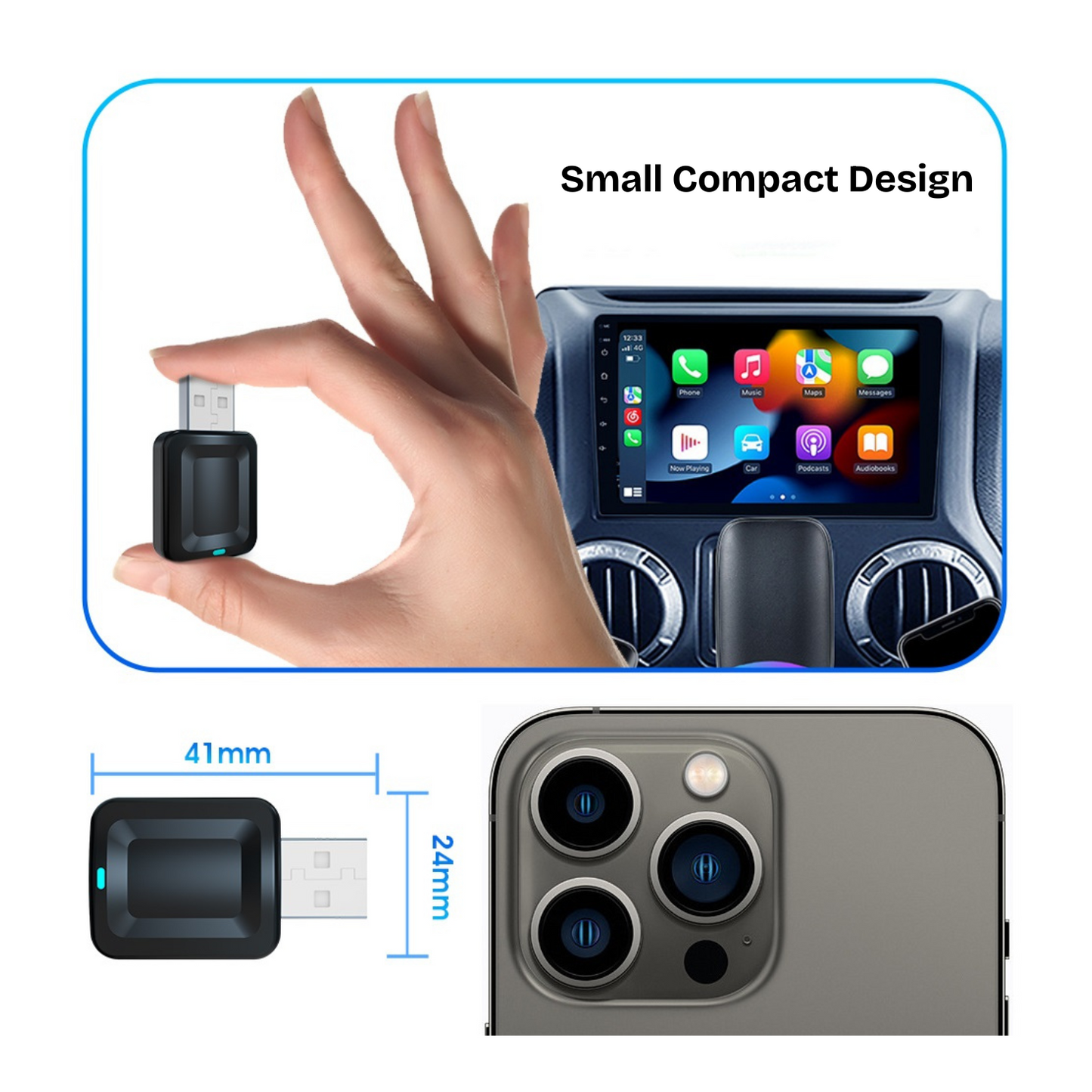
Two upgrades in one bundle: the LDS CA-16 makes your wired Apple CarPlay or Android Auto wireless, and the WT-C15F mount holds your phone with a motorized grip and charges it wirelessly at up to 15W. Together they cost less than buying both separately.
What's included
Check your car first
Start the car and plug your phone in with its cable. If Apple CarPlay or Android Auto opens on the screen, your car has what the CA-16 needs; it works with most cars that pass this test. If nothing opens, or the phone only charges, try your other USB ports: often only one of them runs CarPlay. If none do, an adapter can't add CarPlay to that screen, but a CarPlay interface or a dash-mounted CarPlay screen may. Not sure? Take the 10-second plug test.
Setting it up
-
Adapter: plug the CA-16 into the USB port you use for CarPlay or Android Auto, then pair your phone with it once over Bluetooth.
-
Mount: fit it on the dash with the suction cup mount, or on an air vent with the vent mount, and power it with the included USB cable. The CA-16 uses your CarPlay USB port, so power the mount from a second USB port or a USB car charger (not included).
Good to know
- A USB car charger (cigarette lighter adapter) isn't included.
- Wireless charging needs a phone that supports Qi wireless charging.
- Some vehicles keep the USB port powered after you switch off (some Jeeps, for example), and the adapter may not reconnect to your phone on its own.