Ships across Canada from Markham · Installed at our shop or on-site in the GTA

Compustar FT-KP2 Keyless Touch Entry System - Lockdown Security
Keypad

Compustar FT-KP2 Keyless Touch Entry System

Compustar FT-KP2: lock and unlock with a code

Keypad
Regular price $70.00 CAD
Sale price $70.00 CAD Regular price

The windshield-mounted touchpad.

Book the install Text us your year, make and model
  • American Express
  • Apple Pay
  • Diners Club
  • Discover
  • Google Pay
  • Mastercard
  • PayPal
  • Satispay
  • Shop Pay
  • Visa
Our verdict

Lock and unlock with a PIN on a windshield touchpad: no key, remote or phone. Handy for sharing a vehicle, or for leaving the keys inside while you’re out for a run. It works with the CM-X, DC3, CM7 and CM900 series and CM2400; it doesn’t remote start the vehicle.

Jeff BatesOwner, Lockdown Security · Installing since 2003

Lock and unlock the doors with a PIN code, no key or remote needed. Handy for sharing the vehicle, or leaving the keys inside on a run.

  • Lock and unlock with a code
  • Works with the CM-X, DC3, CM7 and CM900
  • Needs a Compustar control module
  • Free shipping on orders over $200
Compatibility

What it works with

It works with the Compustar CM-X, DC3, CM7 series (CM7000, CM7200, CM7300), CM900 series and CM2400.

Goes well with

  • ALARMIT alarm kitSensor, siren, LED and starter kill in one kit, for a Compustar remote starter with security.$80.00 CADSee it

The details

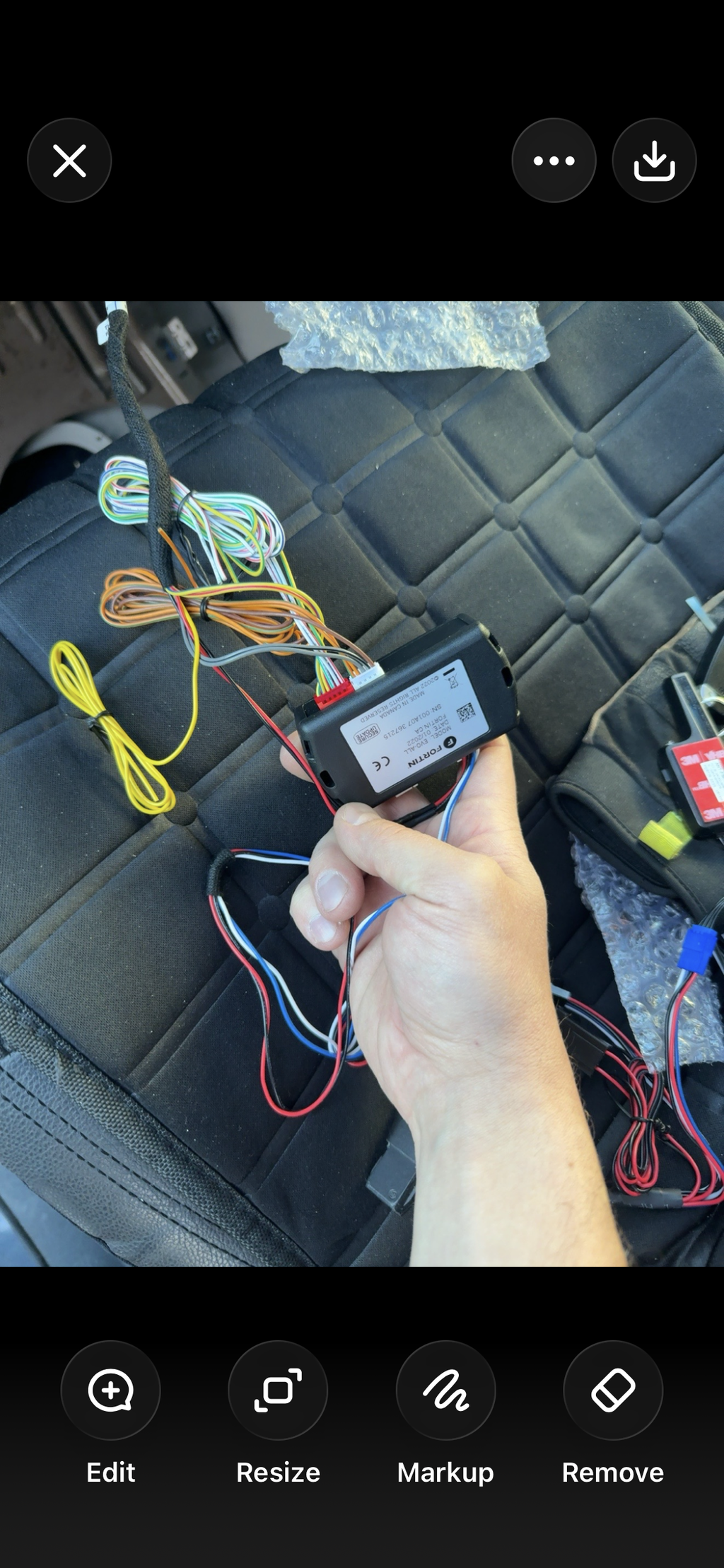
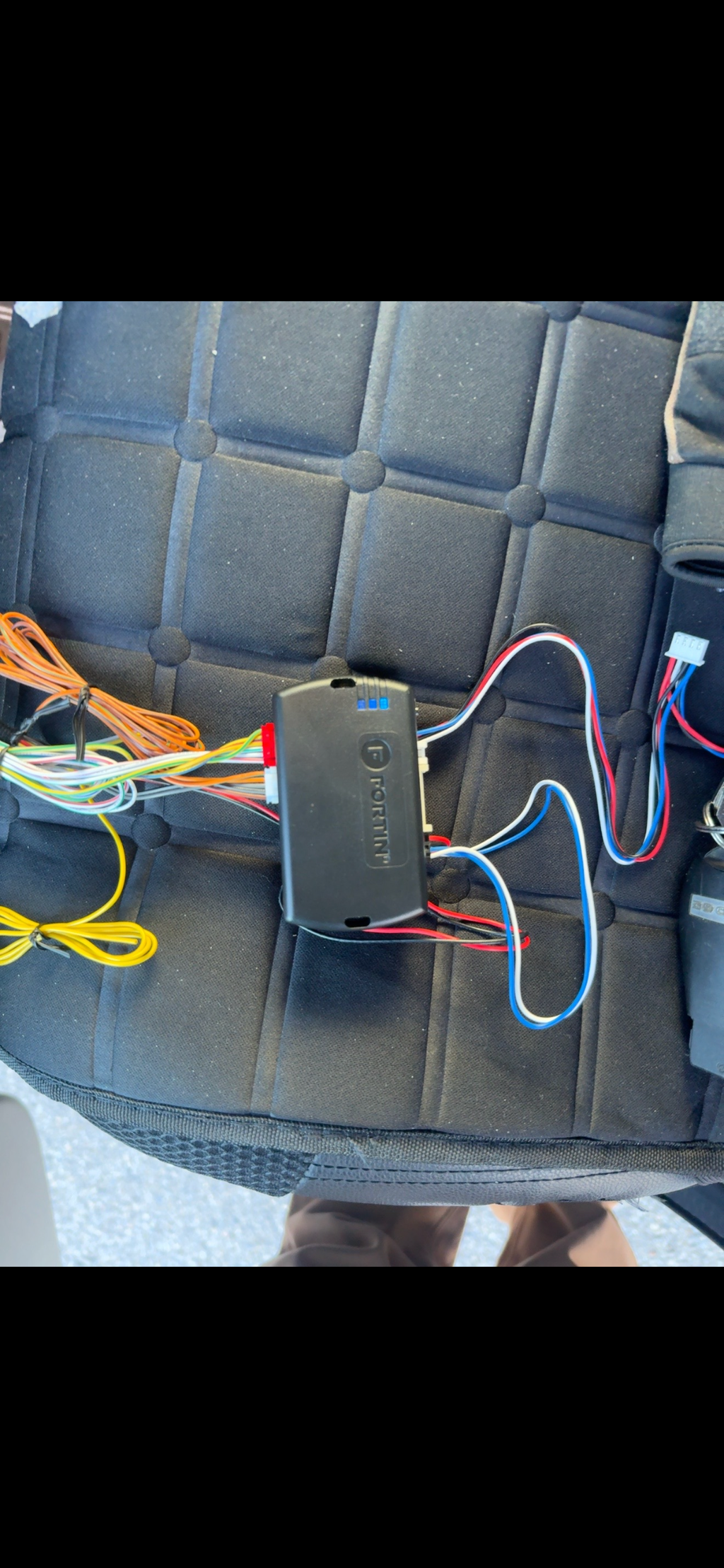
This is the new Compustar FT-KP2 Keyless Touch Entry System.

This accessory is designed for use with compatible Compustar controllers (see list below) to enable the ability to lock and unlock your vehicle doors, without a key or key fob, simply by entering a secure pin code.

Compatible Compustar Controllers:

FT-CMX
FT-DC3
CM7 Series (CM7000, CM7200, CM7300)
CM900 Series
CM2400


KP2 is a windshield-mounted touchpad that gives drivers the ability to lock, unlock, and share their vehicles without the use of a key, remote, or smartphone. In daily use, the KP2 Touchpad functions as a convenient replacement for car keys for unlocking and locking thedoors. To lock/arm the vehicle’s doors, the driver simply needs to hold the “Lock” button on the KP2. When the driver is ready to hit the road, they can unlock the doors by entering their 4-6 digit PIN code onto the windshield mounted touchpad. The KP2’s upgraded capacitive touch sensors respond quickly for drivers who are on the go.

KP2 now supports two separate PIN codes, one reserved for the vehicle owner (“Master PIN”) and one reserved for shared drivers (“Guest PIN”). The Guest PIN code is time-sensitive and will expire on the time/date appointedby the vehicle owner via the DroneMobile smartphone app. In order to enable Guest PIN codes, the KP2 must be installed with a KL1 KeyLocker, which Firstech released in Spring 2020. Guest PIN codes make the KP2 an ideal solution for car sharing situations. Whether a vehicle owner is hosting out-of-town guests or using car-sharing services such as Turo or Getaround, he/she could share PIN codes with other drivers without revealing his/her own Master PIN code. The KP2 will eventually be included with every Drone KL1 KeyLocker, giving car sharers an all-in-one vehicle and key management solution. Installation of the KP2 Keyless Touchpad is simple, requiring only a single connection to a compatible Firstech remote starter, alarm, or KeyLocker. As usual, Firstech offers an array of programming methods via desktop, smartphone, or Firstech’s proprietary “OP-500” option programmer.
 

Installing it

Buy it from us and we can install it for you, or you can do it yourself.

With an install

Added while we’re in there

Adding an alarm part or harness during a remote starter install? Tell us when you book and we’ll fit it at the same time.

At our shop or at your place

Drop it off or wait at our Markham shop, or we come to you in the GTA. Most installs can be done on-site; a few need the shop.

Lifetime installation warranty

Every install we do comes with our lifetime installation warranty.

Installing it yourself?

Plenty of our customers do. Check what it works with above, and text us the model on your controller’s label with any questions before you start.

What customers say

Verified reviews from our customers.

Testimonials

  • Exceptionally Helpful

    They were exceptionally helpful despite me going down the DIY route having never installed a remote starter before. There was no T harness kit available for my vehicle which led to a few questions which they thankfully were very helpful with. Mission remote start was successful and I'm super pleased.


    Stephen Anthony
    DIY Client
  • 10 out of 10

    I would recommend Lockdown security 10 out of 10 times. Leo and his team were professional, fast acting and provided excellent service. I am very happy with my remote starter.


    Jay
    Enjoying a warm vehicle!
  • Responsive, Easy to Use

    Have been using Lockdown Security for years. Just ordered the fifth remote starter from them and installed myself. Their website is easy to use and intuitive. They are responsive and more than willing to answer questions for the DIY customers. Would strongly recommend to anyone looking to purchase a remote starter.


    Ayad
    DIY Client
1 of 3

Common questions

Will it work with my system?

Check What it works with, then the model on your controller’s label, usually under the driver’s side of the dash. Not sure? Text us a photo of the label.

Can I add an alarm to my remote starter?

On a Compustar remote starter with security built in, like the CM-X or DCX, yes: the ALARMIT kit adds a sensor, siren, LED and starter kill.

Do you install it?

Yes, at our Markham shop or on-site in the GTA, with our lifetime installation warranty. Book an install.

Do you ship across Canada?

Yes. Shipping is free on orders over $200, and $10 under that.

Not sure it fits?

Text us the model on your controller’s label and we’ll confirm the right part before you order.