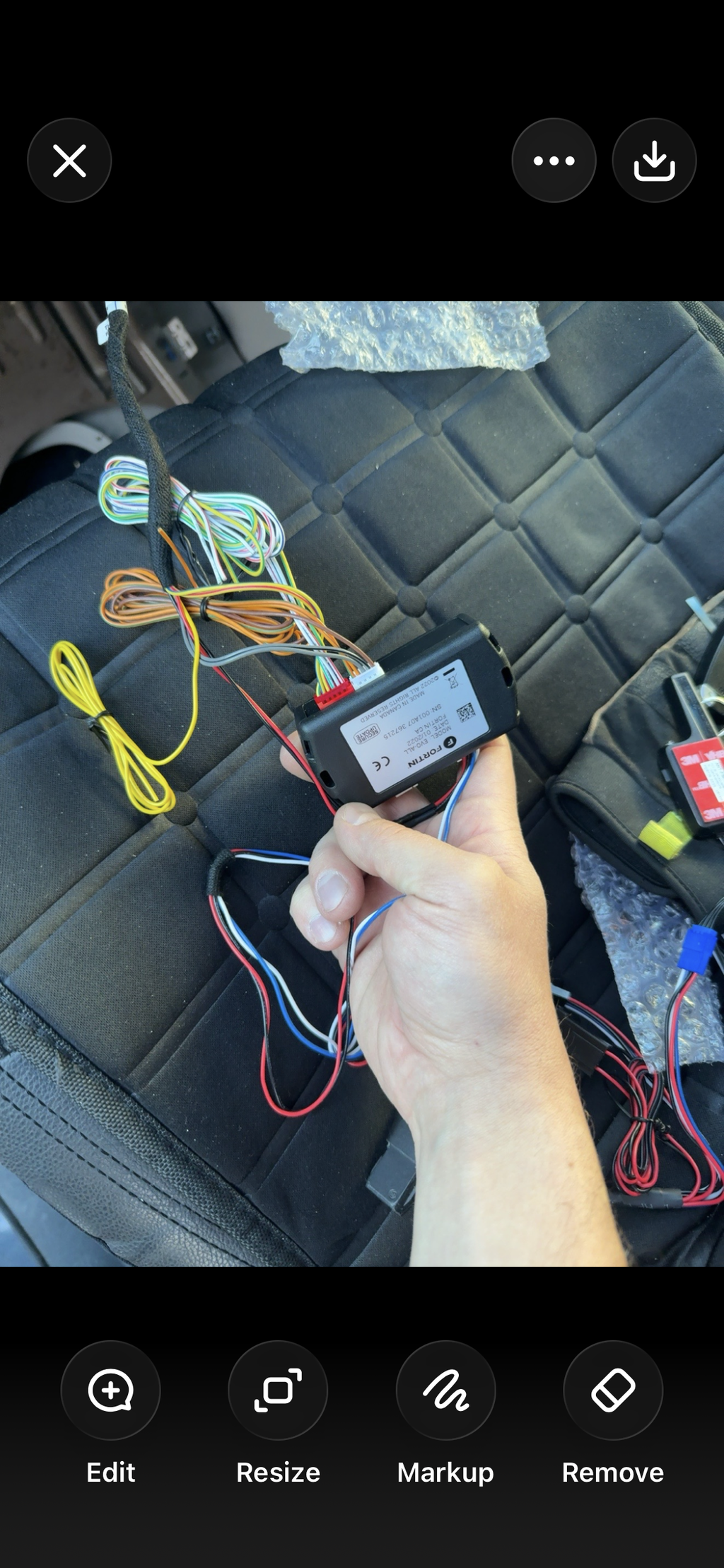
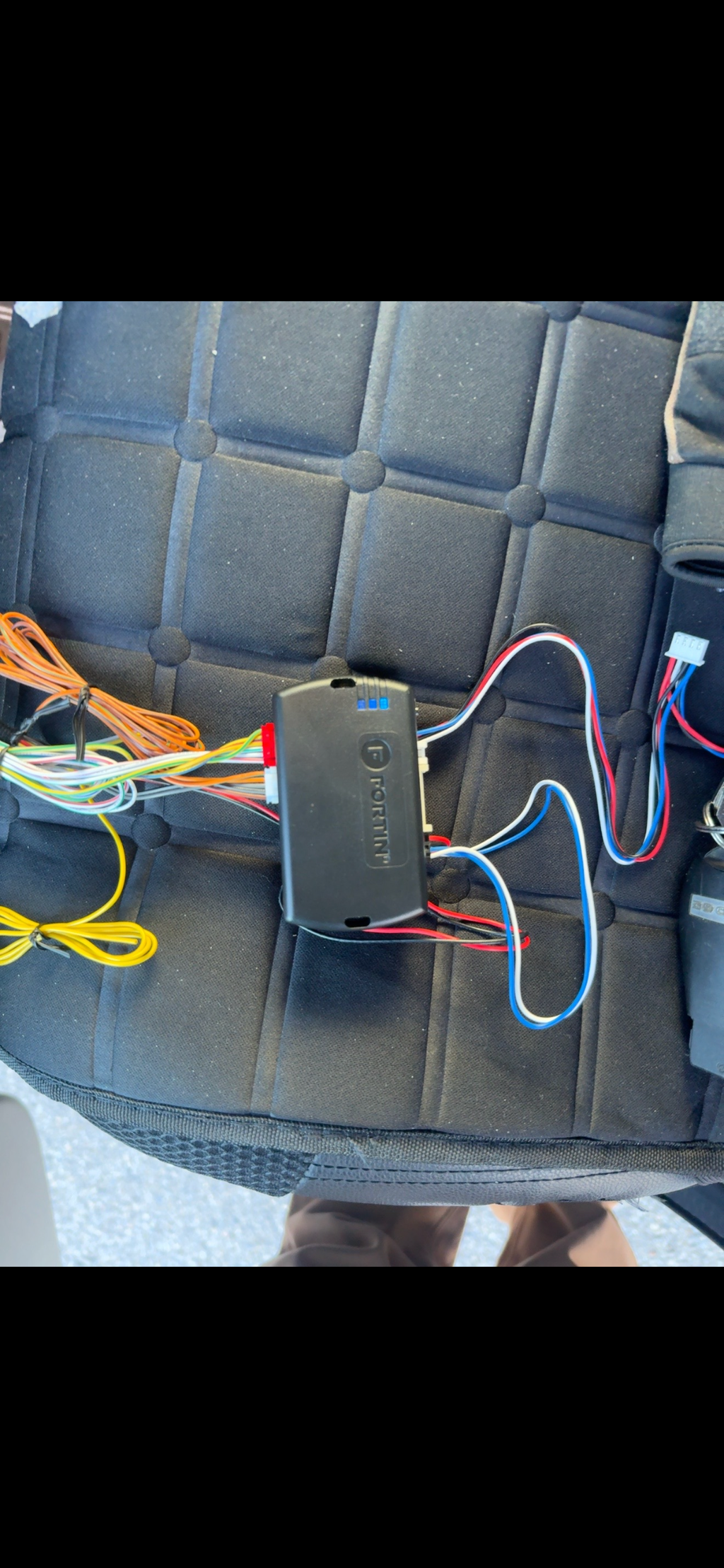
CompustarFT-KP2

Windshield-mounted touchpad that locks and unlocks the vehicle with a 4 to 6 digit code. Works with the FT-CMX, FT-DC3, CM900 and CM7 controllers. Programming card, controller settings and setup help.

Status
Current model
Documents
1 current
FT-KP2 touchpad programming and operation
Version 1.0
Sold as
FT-KP2

Manuals and guides

For owners

  • FT-KP2 touchpad programming and operation Programming guide, PDF, Version 1.0
Setup help

Program your KP2 access code

Before you start, clean and dry the inside of the glass where the KP2 goes, mount it securely, and set the controller up for the KP2 (see the controller settings below).

  • 1. Choose a code4 to 6 digits long. How many digits you can use depends on the controller.
  • 2. Ignition on, door openTurn the ignition on and leave the driver's door open.
  • 3. Hold the lock buttonHold your finger over the padlock button for 2.5 seconds. The siren chirps and the red LED blinks.
  • 4. Enter the codeTap the first number. The green LED comes on, and when the number is accepted you hear one chirp and the red LED blinks. Repeat for each number.
  • 5. Wait for the confirmationAfter the last number, wait for 1 siren chirp and 1 parking light flash.

3 chirps and 3 flashes mean programming didn't finish. Start again from step 2.

More answers for the FT-KP2

Lock and unlock with the KP2
  • Lock or armHold your finger on the padlock button for 2.5 seconds.
  • Unlock or disarmEnter your code. The system disarms and unlocks 2 seconds after the last number.
  • Touch sensitivityIf the pad reacts too easily or not easily enough, change the controller's KP2 Sensitivity feature: normal (default), high, low or highest.
Controller settings for the KP2

The KP2 plugs into one port on the controller. Set the controller's feature options below before you program a code.

  • CM-X (FT-CMX) and CM7 seriesWhite 4-pin RPS port. Feature 3-16 to setting 2 (KP2). Sensitivity is feature 4-15.
  • CM7300White 4-pin RPS port. Feature 3-16 to setting 2 (KP2).
  • CM-DC3 (FT-DC3)White 4-pin RPS port. Firstech lists the DC3 as limited operation.
  • CM900S and CM900ASGray 4-pin UART port, through the ANT-Adapter-KP2 included in the kit. Feature 4-11 to setting 3 (KP2). Sensitivity is feature 4-15.
  • CM2400Gray 4-pin UART port, through the ANT-Adapter-KP2. Feature 3-01 to setting 2 (KP2). Sensitivity is feature 3-03.

Controller not on this list, such as the FT-DCX? Text us before you order.