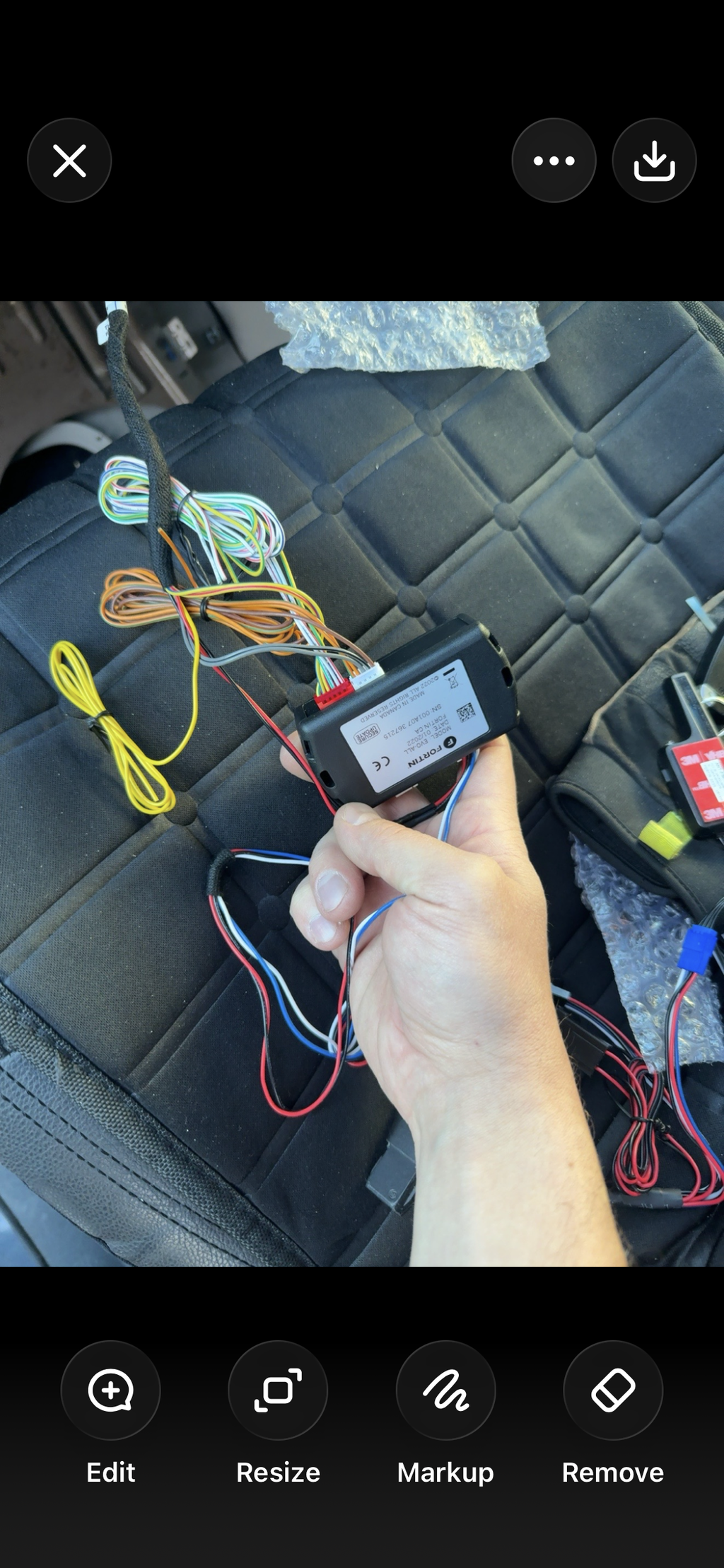
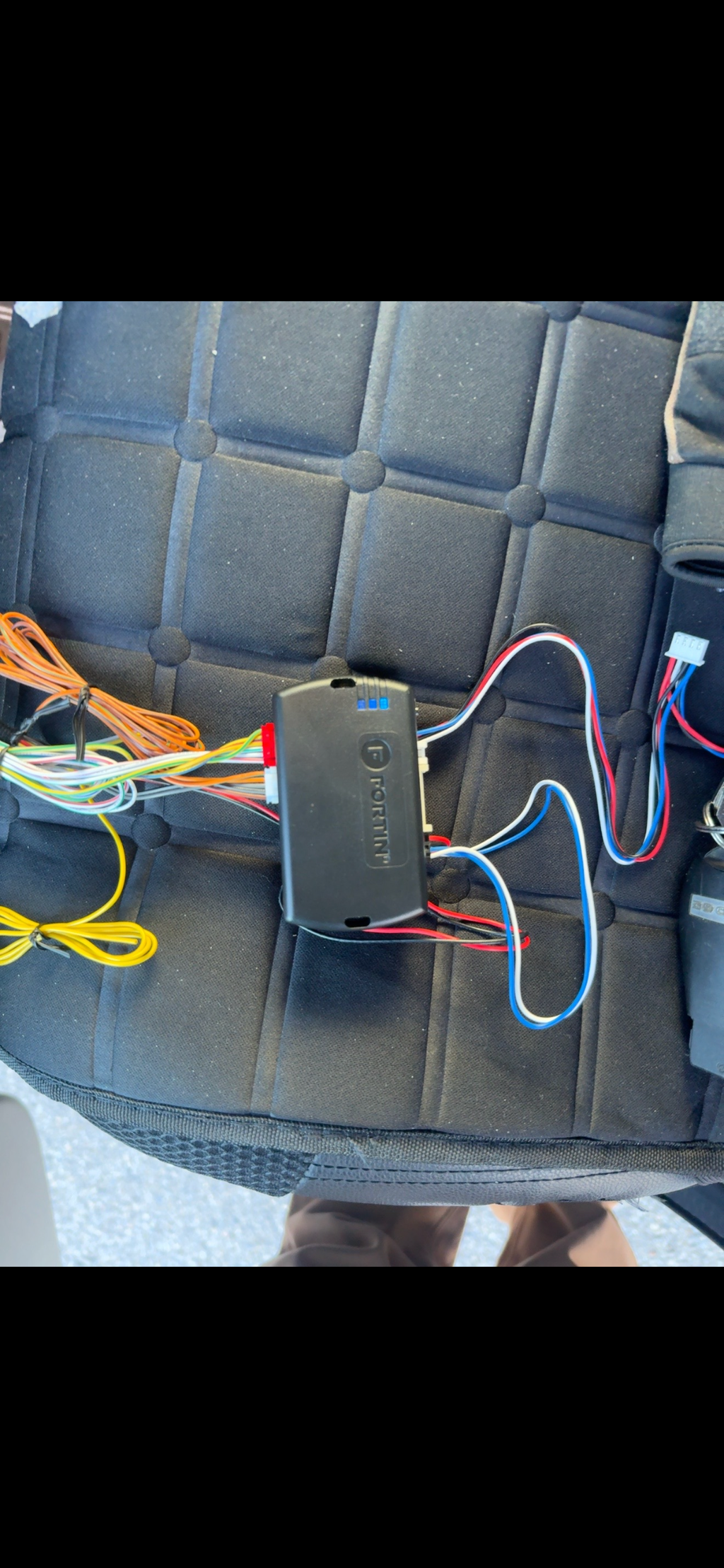
CompustarCM-2500

The alarm control module inside the Compustar FT-CM9A-CONT, CS932-A and CS8910-A. Master guide and feature tables for firmware v1.25, wiring quick guide and setup help.

Status
Current model
Documents
4 current, 1 older
CM-2500 master guide
Firmware v1.25, May 2025

Manuals and guides

For installers

Wiring, programming and install detail for technicians and experienced DIY installers.

  • CM-2500 master guide Installation guide, PDF, Firmware v1.25, May 2025
  • CM-2500 feature tables Option settings reference, PDF, Firmware v1.25, May 2025
  • CM-2500 wiring quick guide Wiring diagram, PDF, Version 1.20, October 2021
  • DRONE KL1 KeyLocker installation guide Installation guide, PDF, Guide version 2.0
Replaced

Older versions

CM-2500 master guide, Firmware v1.15Older edition, for modules on firmware v1.15.
View
Setup help

Program a remote to the CM-2500

Remotes have to be programmed before the system does anything. It's a timed routine, so have every remote with you.

  • 1. Cycle the keyTurn the key between ON and OFF 5 times within 10 seconds. The parking lights flash once.
  • 2. Tap LOCKWithin 2 seconds, tap LOCK on the remote for half a second (button I on 2-way remotes). The parking lights flash once.
  • 3. More remotesTap LOCK on each other remote the same way. The guide lists up to 3.
  • 4. DoneThe parking lights flash twice when programming ends.

If you run this routine and don't program a remote, the system goes into valet mode. Program a remote to take it out.

Push-to-start: the CM-2500 needs a brake input for this (the red/black door input on CN4 pin 6, with feature 1-14 set to option 2). Press the start button to ON, back to OFF within 5 seconds, ON again within 5 seconds, then press the brake 3 times within 5 seconds. The parking lights flash once. Tap LOCK on each remote.

More answers for the CM-2500

Valet mode

Valet mode turns off the alarm. Keyless entry still works.

  • Turn it on: brake and keyHold the brake and turn the key ON and OFF 5 times within 10 seconds. The parking lights flash once. This needs the brake input set up (feature 1-14, option 2).
  • Turn it on: 4-button remoteWith the key ON, press LOCK and TRUNK together for half a second. The parking lights flash once.
  • Turn it off: no remoteTurn the key ON and press the brake 10 times within 10 seconds. The parking lights flash twice.
  • Turn it off: 4-button remotePress LOCK and TRUNK together for half a second. The parking lights flash twice.

With DroneMobile: in the app, open Settings, Vehicles, your vehicle, System, switch Valet on or off and tap Save.

What the alarm LED tells you

After you arm, the blue LED stays on for about 25 seconds while the shock sensor settles. Once it starts flashing, the sensors are ready. After the alarm goes off, the LED flashes to show what set it off:

  • 2 flashesDoor
  • 3 flashesShock, stage 1
  • 4 flashesShock, stage 2
  • 5 flashesTilt
  • 6 flashesIgnition turned on
  • 7 flashesHood
  • 8 flashesTrunk
  • 9 flashesExtra sensor, stage 1
  • 10 flashesExtra sensor, stage 2

Too sensitive? The FT-Shock II sensor has a dial from off and 1 (least sensitive) to 10 (most sensitive). Turn it down a step at a time.

Before you install (installers)
  • Low current outputsEvery CM-2500 output is low current (250 mA). Driving a high-current circuit directly will damage the module and void the warranty.
  • No FTI T-harnessesFirstech FTI T-harnesses don't work with the FT-CM9A-CONT. They're made for CM-X, CM7 and CM900 modules.
  • Built-in antennaThe CM-2500 has an antenna built in for Firstech AM and AP remotes. External Firstech RF kits with 4-pin antenna cables also work.
  • FirmwareThese guides cover firmware v1.25. The older v1.15 guide is under Older versions for modules that haven't been updated.