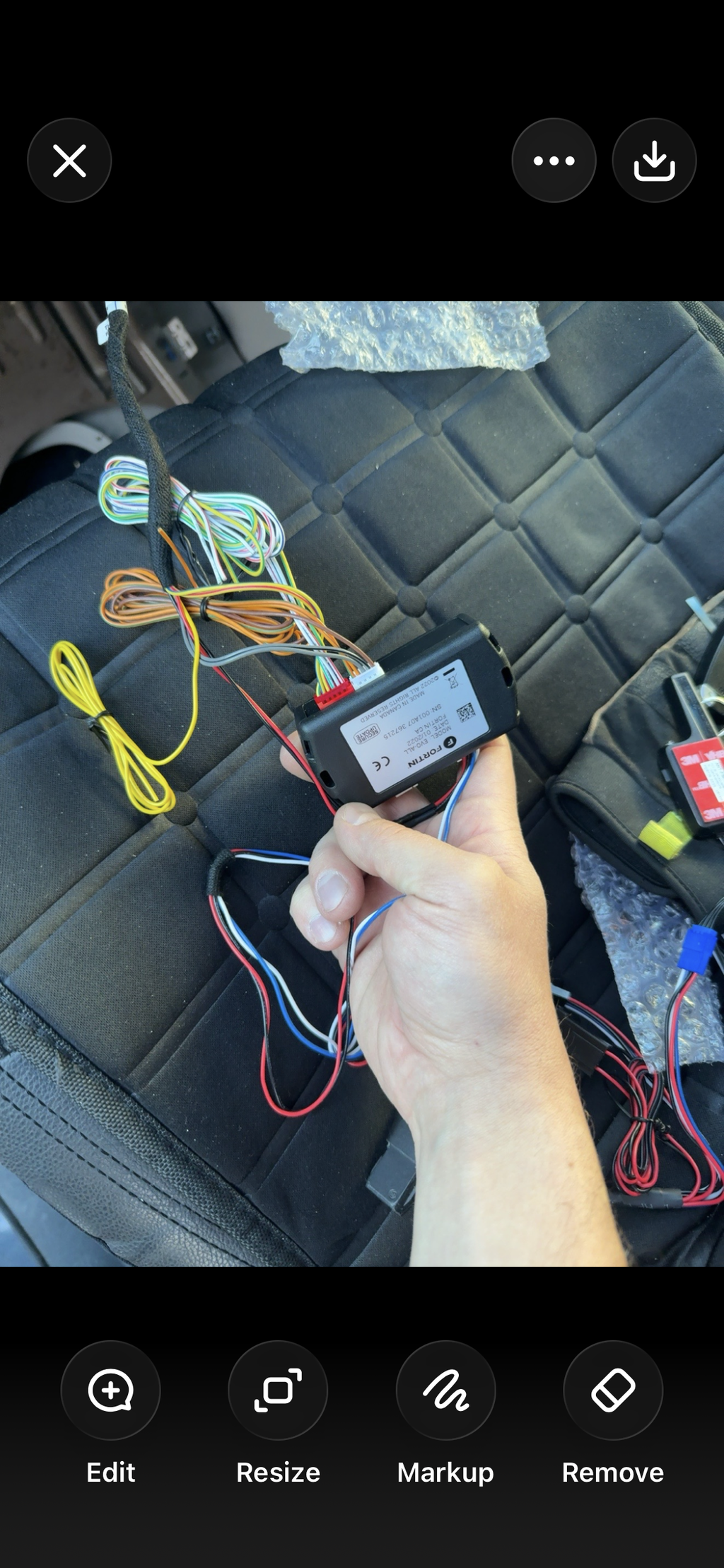
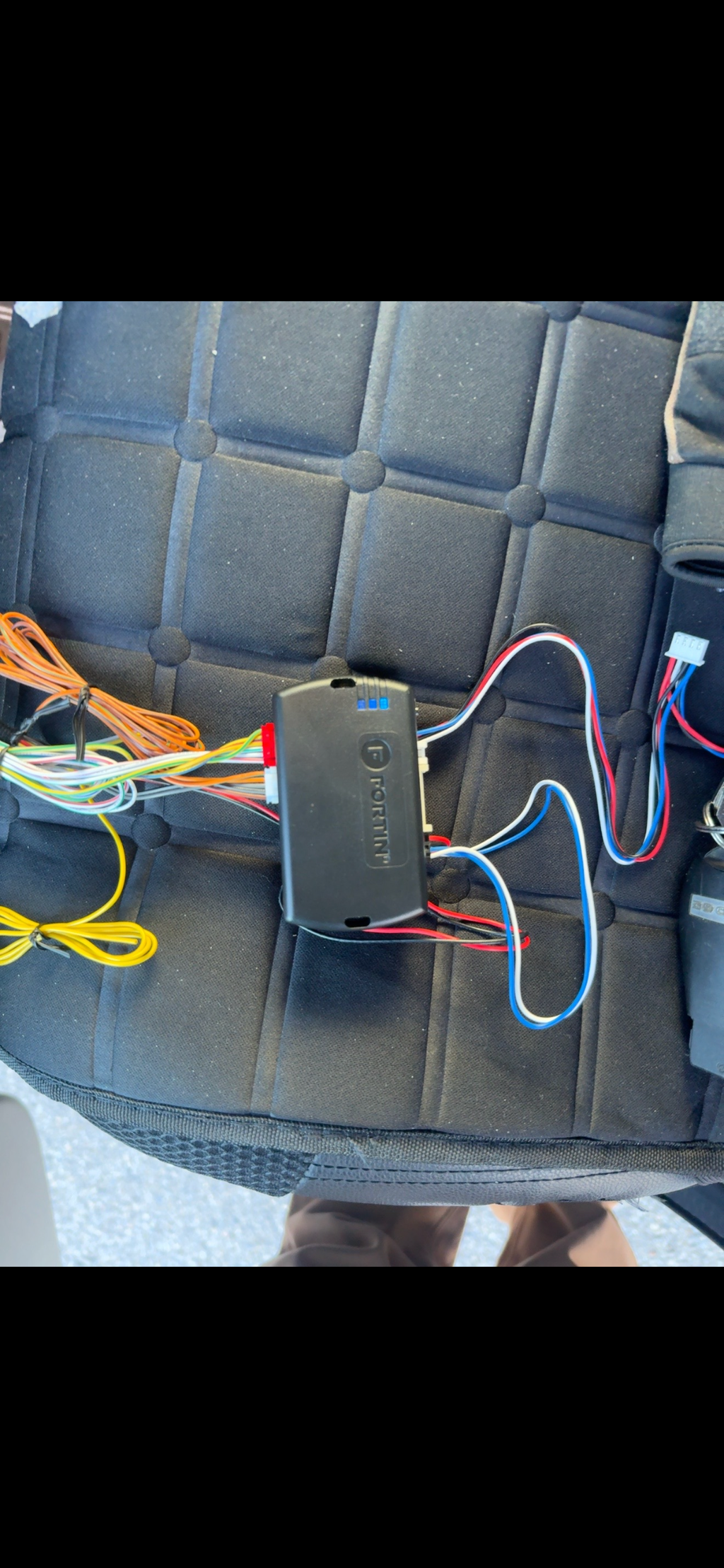
Auto-iBSD1000P

Auto-i's BSD1000 blind spot kit with rear parking sensors added. How the blind spot and parking warnings work, and testing both.

Status
Current model
Sold as
BSD1000P
Setup help

How the BSD1000 warns you

Two ultrasonic sensors in the rear bumper corners watch the lane on each side. When a vehicle is in your blind spot, the warning light for that side comes on. The lights go inside the cab, where you can see them from the driver's seat.

If you put your turn signal on toward a vehicle it can see, you also hear a warning tone. With the signal off, it stays quiet, so it isn't beeping every time a car passes.

More answers for the BSD1000P

Why it warns late at highway speed

Ultrasonic sensors work like parking sensors: they hear an echo from something close by. That's fine at city speeds, but a car closing fast on the highway is usually already alongside before the sensor picks it up. Snow, slush and road spray on the sensors also shorten their reach.

That's how the technology works, not a fault. If you do a lot of highway or winter driving, a radar kit like the Steelmate SBS-2 sees much further back, and through spray.

Test it on the road

After installing, check both sides before you trust it.

  1. Turn the vehicle on. The warning lights flash briefly as it starts up.
  2. On a multi-lane road, with a helper if you can, let a vehicle come up beside you on the left. The left light should come on.
  3. Put your left signal on while it's there. The light should flash and you should hear the tone.
  4. Repeat on the right. Kits with cross-traffic alert: back out of a parking spot with a car coming down the aisle, safely, with a helper watching.

If the wrong side lights up, the left and right wires are swapped. Radar kits that start warning at a set speed won't react in a parking lot until you're going fast enough.

Warnings when nothing is there, or no warning

A blind spot kit is a second pair of eyes, not a replacement for a shoulder check. Some false warnings are normal: guard rails, concrete barriers, construction barrels, a trailer you're towing, or a vehicle in the lane two over can all set it off for a moment.

  • Warning all the time with nothing there: the sensor or its bracket has moved, or something metal (a hitch, a licence plate frame, a bumper guard) is in front of it.
  • No warnings at all: check the fuse and that the lights flash when you start the vehicle. Ultrasonic sensors also go quiet when they're caked in snow or slush.
  • After a bumper repair: body filler and new paint can change how a radar sees. Have the aim checked.

If we installed it and it's still not right, submit a support ticket: our installation is covered for life.

Test the sensors after installing

Test before you rely on it. You need a helper and something flat, like a sheet of plywood about 30 cm by 1 m.

  1. Park somewhere with nothing behind you, start the vehicle and shift into reverse. It should beep once (or show a clear display) to say it's working.
  2. Have your helper stand the board up about 2 m behind the bumper, then walk it slowly toward the vehicle. The warnings should speed up as it gets closer.
  3. Repeat behind each corner and the middle, so you know every sensor sees.
  4. Front sensors: press the brake to wake them up, then do the same in front of the bumper.

A sensor that never reacts is usually unplugged, or aimed at the ground. Check its plug at the control unit first.

False alerts in rain, snow or slush

Ultrasonic sensors need a clean face to work. Heavy rain, ice, slush, mud or a layer of road salt can make them beep at nothing, or miss things. Wipe them with a soft cloth or rinse them with low-pressure water. Don't blast them with a pressure washer up close or scrape them, and melt off ice rather than chipping it.

Rough ground, tall grass, and steep driveways can also set them off. If one sensor keeps alerting on a clean, dry day, it may be loose or aimed too low: submit a support ticket and we'll check it.

Setup videos

From the Lockdown Security YouTube channel