




This is the 2nd vehicle that I have had this installed in. Would go back for a third when needed
Factory radio guide
Porsche factory radios: which one do you have?
Porsche fitted either a PCM unit with navigation or a simpler CDR radio without it, and the generation changes with the body style, so your radio decides which CarPlay and Android Auto kit fits. The model year, whether NAV brings up a map, and whether Apple CarPlay appears when you plug in an iPhone are usually enough to tell. Most kits for the older units are expert installs that go inside the radio.
-
CarPlay kit available
2009-2012
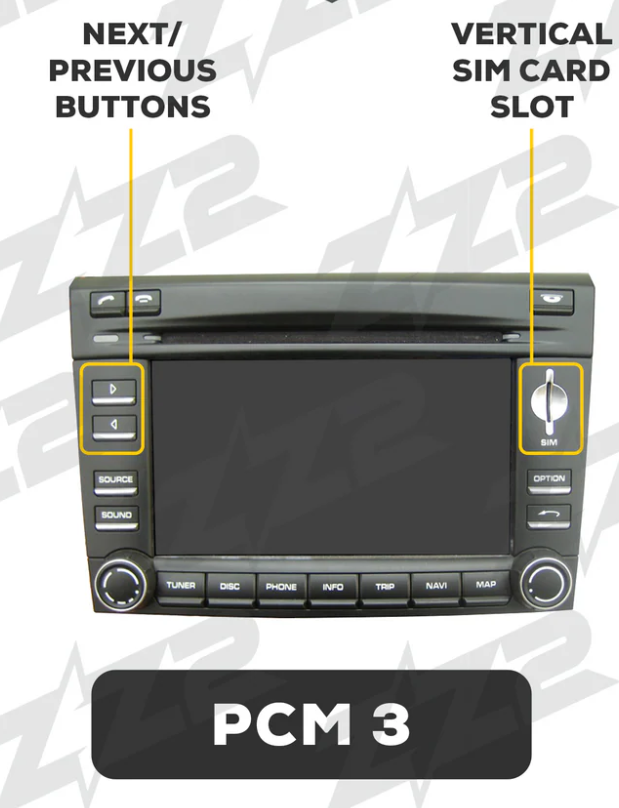
PCM 3.0
Porsche Communication Management 3.0
How to tell
- A 6.5-inch touchscreen with factory navigation, surrounded by hard buttons and two rotary knobs.
- Pressing NAV brings up a map.
- Your car is a 997.2 911, a 987.2 Boxster or Cayman, or a 2009-2010 Cayenne.
Quick check on the screen
Press NAV. In a 2009-2012 car, a map on a 6.5-inch touchscreen means PCM 3.0.
CarPlay and Android Auto for this radio
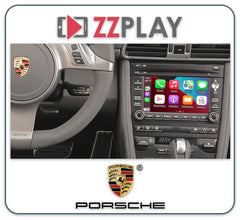
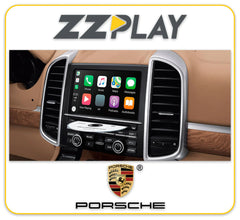
The ZZ-2 IT3-PCM3 adds wired and wireless CarPlay and Android Auto plus front and rear camera inputs, using your factory touchscreen, microphone and Bluetooth. Your car needs an AUX input or working Bluetooth music streaming. It's an expert install, with a circuit board fitted inside the radio, and some manual-transmission cars won't show dynamic parking lines.
-
CarPlay kit available
2010-2016
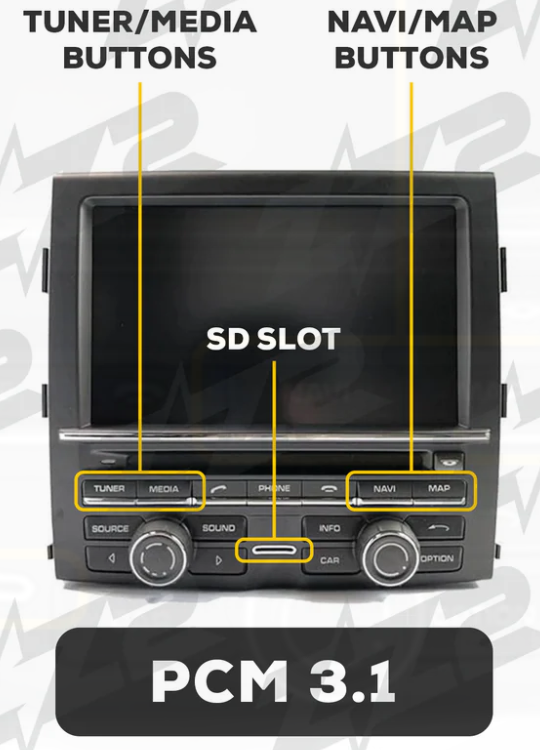
PCM 3.1
Porsche Communication Management 3.1 with navigation
How to tell
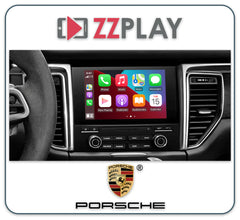
- A 7-inch touchscreen in the centre console, with rows of hard buttons on both sides and two rotary knobs.
- NAV and MAP buttons, and pressing NAV brings up a moving map.
- No Apple CarPlay from the factory.
Quick check on the screen
Press NAV. If a map appears, it's PCM 3.1 in these model years. Then plug in an iPhone: if CarPlay doesn't start, it isn't PCM 4.0. On a 2017 or 2018 Cayenne, this iPhone check tells you which one you have.
CarPlay and Android Auto for this radio
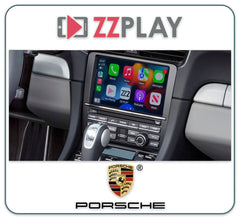
The ZZ-2 IT3-PCM31A adds wireless CarPlay and Android Auto plus front and rear camera inputs, keeps your factory microphone and Bluetooth, and needs factory navigation. It's an expert install inside the radio with no external box, and some manual-transmission cars won't show dynamic parking lines. We also carry the LDS EW-ZHLBSJ-PCM3-03B for PCM 3.1, which adds wired and wireless CarPlay and Android Auto through your factory touchscreen.
-
CarPlay kit available
2011-2016
CDR 31
Porsche CDR 31 base radio without navigation

How to tell
- Same shape and position as PCM 3.1: a touchscreen with buttons on both sides.
- The NAV and MAP buttons are missing, or pressing them doesn't bring up a map.
- Pictures look grainier than on PCM 3.1, because the screen is lower resolution.
Quick check on the screen
Press NAV, or look for it. If there's no map or no NAV button, it's CDR 31.
CarPlay and Android Auto for this radio
The ZZ-2 ITZ-CDR31-A is made only for radios without factory navigation, and adds wired and wireless CarPlay and Android Auto plus camera inputs using your factory touchscreen, microphone and Bluetooth. It's an expert install inside the radio. Because the factory screen is lower resolution, the picture won't be as sharp as on PCM 3.1, and some manual-transmission cars won't show dynamic parking lines.
-
No plug-in kit
2009-2012
CDR-30
Porsche CDR-30 base radio without navigation
How to tell
- The base radio in cars ordered without PCM: there's no factory navigation, and no map when you look for one.
- Your car is the 997.2 911, or the 987.2 Boxster or Cayman.
Quick check on the screen
Look for navigation. If there's no map in a 2009-2012 911, Boxster or Cayman, it's the CDR-30.
CarPlay and Android Auto for this radio
We don't have a plug-in CarPlay or Android Auto kit for the CDR-30. Call us and we'll talk through the options for your car.
-
CarPlay kit available
2017-2019 (718 to 2021)
PCM 4.0
Porsche Communication Management 4.0 with online navigation and Apple CarPlay
How to tell
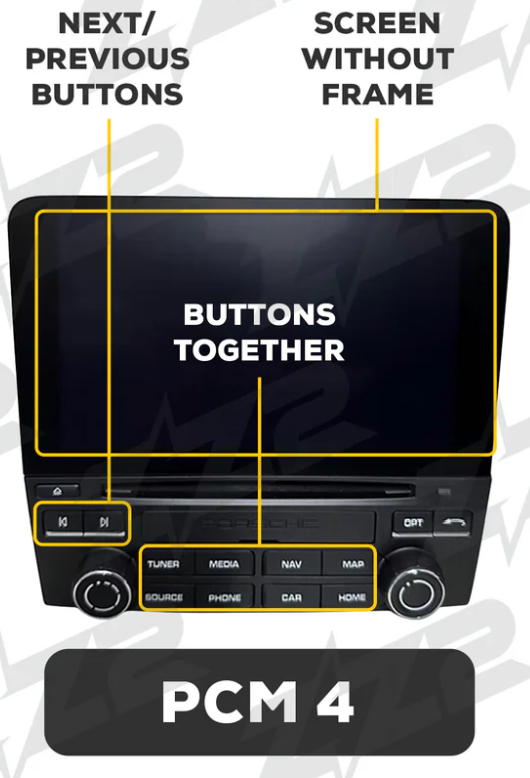
- A high-resolution glass touchscreen that sits flush, with a frameless look (7 inches in the 911, 718 and Macan, and a wide 12.3 inches in the Panamera).
- Plug an iPhone in with a cable and Apple CarPlay appears.
- Fewer hard buttons around the screen than PCM 3.1.
Quick check on the screen
Connect an iPhone with a USB cable. If Apple CarPlay starts, your car has PCM 4.0 or newer.
CarPlay and Android Auto for this radio
Your car already has wired Apple CarPlay but not Android Auto, so a kit adds wireless CarPlay and Android Auto. The ZZ-2 ITZ-PCM4-C also adds camera inputs and needs the factory AUX input. The LDS EW-BSJCP-PCM4-02B is another option that works through your factory touchscreen.
Still not sure which radio you have?
Text us a photo of your screen and the buttons around it, or send your VIN, and we'll tell you which kit fits.
-
 23 YEARS IN BUSINESSProudly Canadian, Est. 2003